
Scrum meeting minutes exist to make three things visible fast: what changed, who owns what, and what is blocking progress. The immediate step is simple: copy a minimal daily scrum template, log one-line updates alongside an impediments list with named owners and target dates, and post the summary to the team's shared tracker within the hour. Anything more detailed than that belongs in a ticket, not the minutes. Understanding how to capture metrics or cost-related decisions in meeting notes can improve transparency for engineering teams interested in cloud cost culture.
TL;DR:
- Recording blockers with specific owners and clear target dates prevents issues from slipping through the cracks and helps track unresolved impediments over multiple days.
- Using a consistent, single-page template for each Scrum ceremony ensures decisions, actions, and scope changes are captured clearly and are easily searchable later.
- Distributing meeting notes within two hours of the session preserves context and encourages prompt action on blockers before they impact progress.
- Repeating impediments should be revisited during retrospectives to ensure they are addressed and do not silently persist across multiple sprints.
- Automated transcription tools that label speakers and operate offline improve note accuracy and save time on post-meeting editing, especially for hybrid or in-person teams.
Table of Contents
- Templates for daily scrum, planning, review and retrospective
- What should scrum meeting minutes actually record?
- Who should take the scrum meeting minutes?
- Where and when should you share the minutes?
- Common mistakes in scrum meeting minutes (and how to fix them)
- Can a privacy-first transcription workflow help?
- Why consistent minutes matter more than perfect ones
- Try Minuted for consistent, private scrum records
- Sources
- FAQ
Templates for daily scrum, planning, review and retrospective
Every scrum ceremony needs a different shape of record, but the same discipline applies to all of them: capture decisions and actions, skip the narrative. Below are four templates you can copy directly into your team's notes app or Minuted workspace.
Daily scrum template
- Date, sprint number, facilitator, attendees
- One-line update per person (what was done, what's next)
- Blockers: description, owner, target resolution date
- Actions: task, owner, due date
- Parking lot: topics deferred for after the stand-up
This structure mirrors the daily scrum notes template that agile teams use to keep the 15-minute timebox intact while still producing a usable record.
Sprint planning template
- Sprint goal (one sentence, agreed by the whole team)
- Committed stories or tickets, with estimates
- Key decisions made during planning
- Risks identified and who owns monitoring them
- Actions arising, with owners and due dates
Sprint review template
- Summary of what was demonstrated
- Stakeholder feedback, attributed where relevant
- Decisions taken on scope or priority
- Follow-up items and who is chasing them
Retrospective summary template
- Observations raised (grouped by theme, not by speaker)
- Experiments the team agreed to try next sprint
- Owner for each experiment
- Metrics you'll track to judge whether it worked
Keep each template on a single page. If a section runs longer than the sprint goal itself, something has gone wrong with the discussion, rather than the template.
What should scrum meeting minutes actually record?
Good minutes record outcomes, not conversation. Three categories matter more than anything else: decisions, actions, and blockers. Get those right and the rest is formatting.
- Decisions — write each as a short declarative sentence with a date attached. "Agreed to split the payments' story into two tickets, 14 March" beats a paragraph explaining why.
- Action items — every action needs exactly one owner, a due date, and a status flag (open, in progress, done). Two owners on one task usually means zero owners in practice.
- Blockers — state the problem plainly, name the affected work, assign a resolution owner, and set an expected resolution date. Vague entries like "waiting on design" help nobody; "waiting on Sarah for the checkout mockup, expected Thursday" does.
- Scope changes — if the backlog shifted during the conversation, note it against the sprint commitment so the burndown still makes sense later.
- Parking-lot items — anything that needs more than sixty seconds of discussion goes here, not into the live notes, to protect the stand-up's timebox.
Pro Tip: Treat the impediments log as a running register rather than a daily throwaway list. Carry unresolved blockers forward each day with their original date attached, so a three-day-old impediment is instantly obvious rather than buried in a fresh page of notes.
Who should take the scrum meeting minutes?
Rotation works well for small, stable teams where everyone understands the format; a dedicated note-taker works better for larger teams, hybrid setups, or anyone still building the habit. Pick based on consistency, not fairness.
Whoever holds the pen that day should run through a short checklist:
- Capture enough context that someone absent can understand the entry without asking questions
- Confirm each action has a single named owner before moving on
- Flag anything that needs longer discussion to the parking lot instead of writing it up in full
- Circulate the summary the moment the meeting ends, not at the end of the day
For distributed teams, async updates work if someone compiles them into one summary by a fixed daily deadline, preserving the coordination function of a live stand-up. A thirty-second read-back before closing the meeting catches misattributed owners before they go public.
Where and when should you share the minutes?
Distribution speed matters more than formatting polish. Post a short chat summary within roughly 20 minutes to two hours of the meeting ending, with the full notes linked from the team's backlog or shared workspace.
- Store minutes wherever sprint work already lives (your ticketing system or shared project space), not in a separate folder nobody checks
- Use a consistent naming convention such as
[Date] — [Ceremony] — Sprint [Number]so old entries are searchable in seconds - Link every action item directly to its ticket, so ownership and progress are visible without cross-referencing two systems
- Avoid burying minutes in email threads; a static shared doc or wiki page ages far better
Common mistakes in scrum meeting minutes (and how to fix them)
Most bad minutes fail for the same handful of reasons, and they're fixable with small changes to habit rather than tooling.
- Do keep updates to one line per person; don't transcribe the whole conversation.
- Do log blockers with a named owner and target date; don't write "still stuck" and move on.
- Do assign a single owner per action; don't leave tasks ownerless because "the team" agreed to it.
- Do revisit repeated impediments during the retrospective; don't let the same blocker reappear silently for three sprints running.
Common mistakes in meeting minutes generally come down to excessive detail and unclear ownership, both of which quietly erode trust in the record over time.
Why speed matters: distributing notes quickly, rather than hours or a day later, preserves the context needed to act on blockers before they cost another sprint day. A record that arrives fast is one people actually read and use.
Can a privacy-first transcription workflow help?
On-device transcription removes one of the biggest friction points in note-taking: attribution. When speaker labelling happens automatically, whoever compiles the minutes spends their time extracting actions instead of working out who said what.
This matters most for hybrid or in-person stand-ups, where on-device processing means the meeting can be recorded and transcribed without an internet connection, and no audio ever leaves the device. Calendar and task-app integrations then close the loop, turning a spoken decision into a tracked ticket without manual re-entry.
- Speaker labelling cuts post-meeting clean-up time
- Offline operation suits in-person and low-connectivity settings
- Calendar and task integrations link words directly to tracked actions
Pro Tip: If your team's blockers keep slipping through the cracks between stand-up and the backlog, check whether the gap is a documentation problem or a distribution problem before changing your template. Often it's the second one.
Why consistent minutes matter more than perfect ones
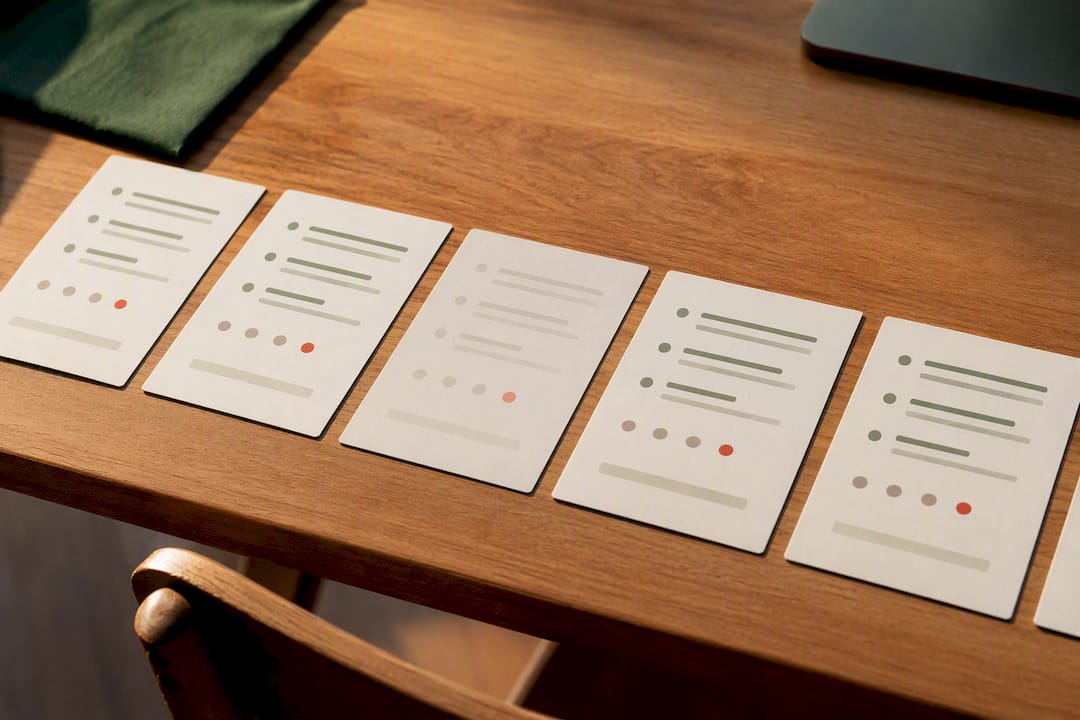
The teams with the strongest retrospectives are rarely the ones with the most detailed notes. They're the ones whose impediments log survived long enough to be reviewed. A blocker tracked for three days with a date attached tells a retrospective something a memory never will.
Consistency beats polish. Run one template for a month before deciding it needs fixing.
— James
Try Minuted for consistent, private scrum records
This service gives scrum teams an alternative to the "who's taking notes today" scramble. It transcribes on-device, labels speakers automatically, and works offline, so hybrid and in-person stand-ups get the same structured record as fully remote ones, without audio ever leaving the device.
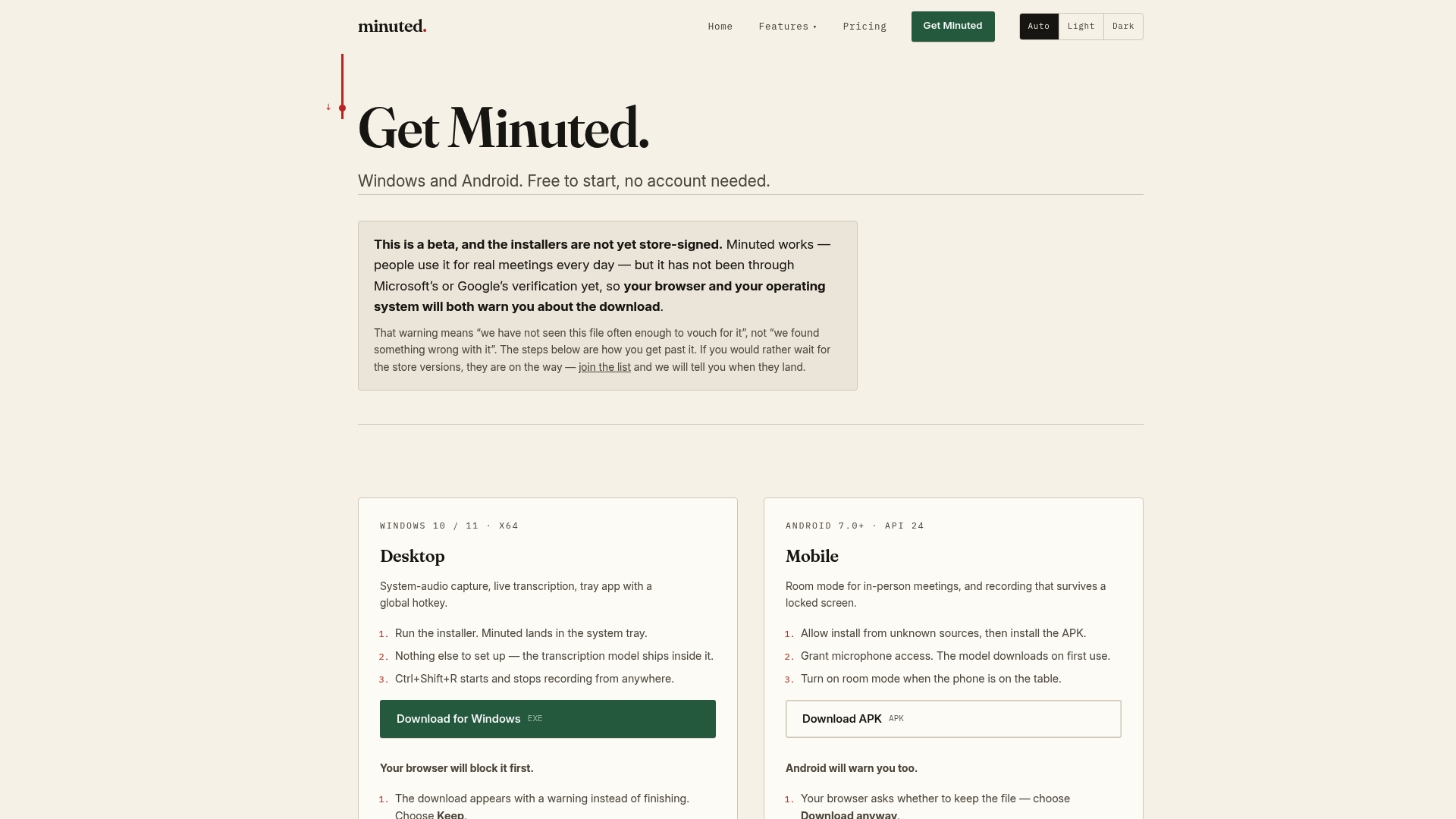
For teams where rotation has broken down, or where remote members keep losing context between meetings, this closes the gap without adding another manual step. Calendar sync means the meeting is already logged before anyone opens a notebook; task integrations with various tools push actions straight to where the work happens. If your minutes are consistently late, thin, or missing owners, that's the signal to try a different workflow. Get started with Minuted and see whether automated capture fixes the distribution problem your template alone can't.
Sources
- A guide to agile ceremonies and scrum meetings
- Daily Scrum meeting in Scrum
- Daily scrum meeting notes template for agile teams
FAQ
What is the 3-5-3 rule in Scrum?
It refers to Scrum's standard team structure: 3 roles (Product Owner, Scrum Master, Developers), 5 events (sprint, daily scrum, planning, review, retrospective), and 3 artefacts (product backlog, sprint backlog, increment).
Can ChatGPT write minutes of meeting?
AI tools can draft a summary from raw notes or a transcript, but accuracy depends entirely on the input quality; a tool like Minuted that transcribes directly on-device avoids the extra step of typing notes up before summarising them.
Is Scrum still relevant in 2026?
Scrum remains one of the most widely used agile frameworks, and its core ceremonies, the daily stand-up, sprint planning, review and retrospective, still underpin how most cross-functional teams plan and inspect work.
What are the 5 meetings in Scrum?
Sprint planning, the daily scrum, sprint review, sprint retrospective, and the sprint itself (which functions as the overarching container event for the other four).