
Remote meeting transcription now delivers live, speaker-labelled text alongside instant summaries and extracted action items, not just a raw recording to review later. Teams should expect accurate diarisation, searchable transcripts and integrations with calendars and task apps as standard. The differentiator between tools is no longer whether they transcribe, but where the audio goes: privacy, data residency and offline processing decide which option actually fits a given team.
TL;DR:
- Advanced transcription tools now provide live speaker labeling, instant summaries, and actionable highlights, with accuracy affected by microphone quality, accents, and overlapping speech.
- End-to-end models improve diarisation, especially during overlapping speech, but accuracy still struggles in noisy, multi-voice environments.
- Effective summaries separate decision highlights from detailed context, and clear source attribution aids future reference and action item extraction.
- Privacy concerns require explicit consent for sensitive data, with local device processing reducing legal and security risks and offering offline functionality.
- Hybrid setups combining local capture with selective cloud processing offer the best balance for privacy-conscious teams needing broad access and automation.
Table of Contents
- How does live remote meeting transcription work?
- What do good meeting summaries and action items look like?
- When do you need consent, not just notification, to record?
- Which integrations turn transcripts into follow-through?
- What's the setup checklist for reliable live transcripts?
- Why does an on-device, privacy-first approach solve most of this?
- Local capture or cloud transcription: which one fits your team?
- Getting reliable transcripts without the privacy trade-off
- Sources
- FAQ
How does live remote meeting transcription work?
Real-time transcription and post-meeting transcription solve different problems. Live captioning shows text within a second or two of speech, useful for accessibility and live note-taking, while post-meeting processing can take longer but often produces cleaner, better-punctuated output because the model has the full context of what was said.
Accuracy depends on more than the underlying model. Microphone quality, network stability, regional accents and, above all, overlapping speech all degrade transcript quality, sometimes badly. Two people talking over each other in a video call remains one of the hardest problems in speech recognition, and it's the single biggest driver of errors in typical business meetings.
Speaker diarisation, assigning each line of text to the right speaker, has historically relied on separate modules bolted onto a transcription pipeline, and that separation is where errors creep in. Recent research points to a better approach: unified, end-to-end models that transcribe and diarise together in one pass produce more consistent speaker attribution across long recordings than modular pipelines, according to the MOSS Transcribe Diarize technical report. A related study on full-meeting diarisation found that event-based representations with staged auxiliary predictions produce more stable speaker labels over the course of a long call, described in this speech language model research.
What affects accuracy in practice:
- Microphone placement and quality, especially in multi-person rooms
- Network jitter, which causes dropped words and misaligned timestamps
- Strong regional accents or heavy technical jargon
- Overlapping speech, still the hardest case for any diarisation system
Diarisation is improving fast. Frameworks such as TagSpeech use dual-stream encoders with fine-grained time anchors specifically to improve speaker assignment during overlapping speech, an area where older cascade pipelines struggled most.
What do good meeting summaries and action items look like?
A useful summary isn't one long paragraph. Good transcription tools produce at least two layers: a short "decisions and outcomes" summary for people who skimmed the meeting, and a fuller recap with context for anyone who needs the detail. Conflating the two into a single wall of text is a common failure mode.
Action items are extracted by scanning for commitment language, "I'll send that over," "we agreed to push the deadline," and matching it to a named owner and, where stated, a deadline. This works well when people speak in complete sentences and state decisions explicitly. It works badly when commitments are implied, mumbled, or buried inside a tangent, which is why the extraction step still needs a human glance before anyone treats it as a task list.
What matters for reuse:
- Searchable transcripts, so a decision from six weeks ago is one keyword search away
- Clip or highlight tools that let you pull a 20-second segment instead of re-listening to an hour
- Clear source attribution linking each summary line back to the moment it was said
Pro Tip: Say the decision out loud in plain language before moving on, "so we're going with option B, John owns the rollout," gives extraction models a clean sentence to latch onto instead of an implied conclusion.
When do you need consent, not just notification, to record?
A calendar notice saying "this meeting will be transcribed" is disclosure. It is not the same as explicit consent, and the two carry different legal weight depending on what's being recorded and who's in the room. For most routine internal meetings, organisations can often rely on legitimate interest as the lawful basis rather than chasing individual sign off, but explicit consent becomes necessary once the conversation touches special category data, health information, disciplinary matters, anything sensitive, according to GDPR compliance guidance for AI meeting notes.
Before switching transcription on as a default, run through this:
- Confirm whether the meeting content is likely to include sensitive personal data
- Decide whether disclosure is sufficient or explicit consent is required
- Set retention periods and automatic deletion rather than keeping transcripts indefinitely
- Turn on admin-level consent and audit logging where the platform supports it
- Ask vendors directly where audio is stored, which sub-processors touch it, and whether it trains models
Microsoft Teams, for example, lets administrators require explicit participant agreement for recording and transcription through tenant policy, with audit logs to prove it happened, detailed in this Microsoft Learn guidance. The organiser remains the data controller regardless of which tool is used. Local, on-device processing narrows the sub-processor question considerably, but it doesn't erase the disclosure and retention duties that come with controller status.
Which integrations turn transcripts into follow-through?
A transcript that sits unread in a folder achieves nothing. The integrations that matter connect transcription output to where work actually happens: calendar apps for context on who attended and why, chat tools like Slack or Teams for instant sharing, and task managers like Notion, Todoist or monday.com for turning extracted action items into assigned, trackable work.

Common automation patterns include auto-sharing a summary to a channel the moment a meeting ends, pushing action items directly into a task board with the right owner tagged, and appending call notes to a CRM record for client-facing teams, as detailed in Voicemail to Text: Enable It, Export It, or Automate It. The wider industry is pushing this further, with tools now extending meeting summaries into email-based scheduling and follow-up assistants, as seen in Read AI's recent digital-twin launch.
Before enabling any automation, check:
- Who has permission to trigger auto-sharing, and to which channels
- Whether task creation requires manual approval or fires automatically
- What happens to a transcript if the integration itself is later revoked
What's the setup checklist for reliable live transcripts?
Good transcripts start before the meeting, not during it.
- Pre-meeting: test the microphone, disclose that transcription will run, and pick one clear audio source rather than three overlapping laptop mics in the same room.
- In-meeting: assign someone to keep an eye on the live transcript, ask speakers to state decisions explicitly, and label speakers manually if the tool misidentifies someone early on.
- Post-meeting: check the transcript against your memory of key moments, assign owners to every action item, and apply your retention policy rather than letting the file sit unmanaged.
Pro Tip: If your meeting mixes remote and in-room participants, a single dedicated microphone near the room speaker outperforms relying on everyone's individual laptop audio; mixed sources are the most common cause of garbled diarisation.
Why does an on-device, privacy-first approach solve most of this?
Most of the friction covered above, consent questions, sub-processor risk, network-dependent accuracy, traces back to where audio travels once you hit record. Minuted processes audio on-device by default, which narrows the governance conversation considerably: there's no account requirement and no audio leaving the device unless a user explicitly chooses cloud write-up.
That local-first design pairs with features often found in transcription solutions, such as speaker labelling, calendar and task integrations, and real-time transcription that can work without an internet connection for both desktop and room-mode meetings. It's a direct answer to the privacy and reliability trade-offs most transcription tools force teams to accept.
Local capture or cloud transcription: which one fits your team?
Privacy-sensitive teams, legal, HR, client-facing consultancies, generally do better with local, on-device capture: fewer sub-processors, fewer consent complications, no dependency on a stable connection mid-call. Larger teams needing central search across hundreds of meetings, or heavy cross-team automation, often lean toward cloud processing for the shared visibility it gives.
Most organisations don't sit neatly in one camp. A hybrid setup, local capture as the default with cloud write-up switched on only for meetings that genuinely need wider sharing, tends to satisfy both the privacy-conscious and the collaboration-hungry parts of a business.
— James
Getting reliable transcripts without the privacy trade-off
Minuted was built around a simple idea: your meeting audio shouldn't need to leave your device to get a good transcript. It offers real-time, offline transcription with speaker labelling, plus calendar integrations and task syncing with several common productivity apps, so action items can land where your team already works.
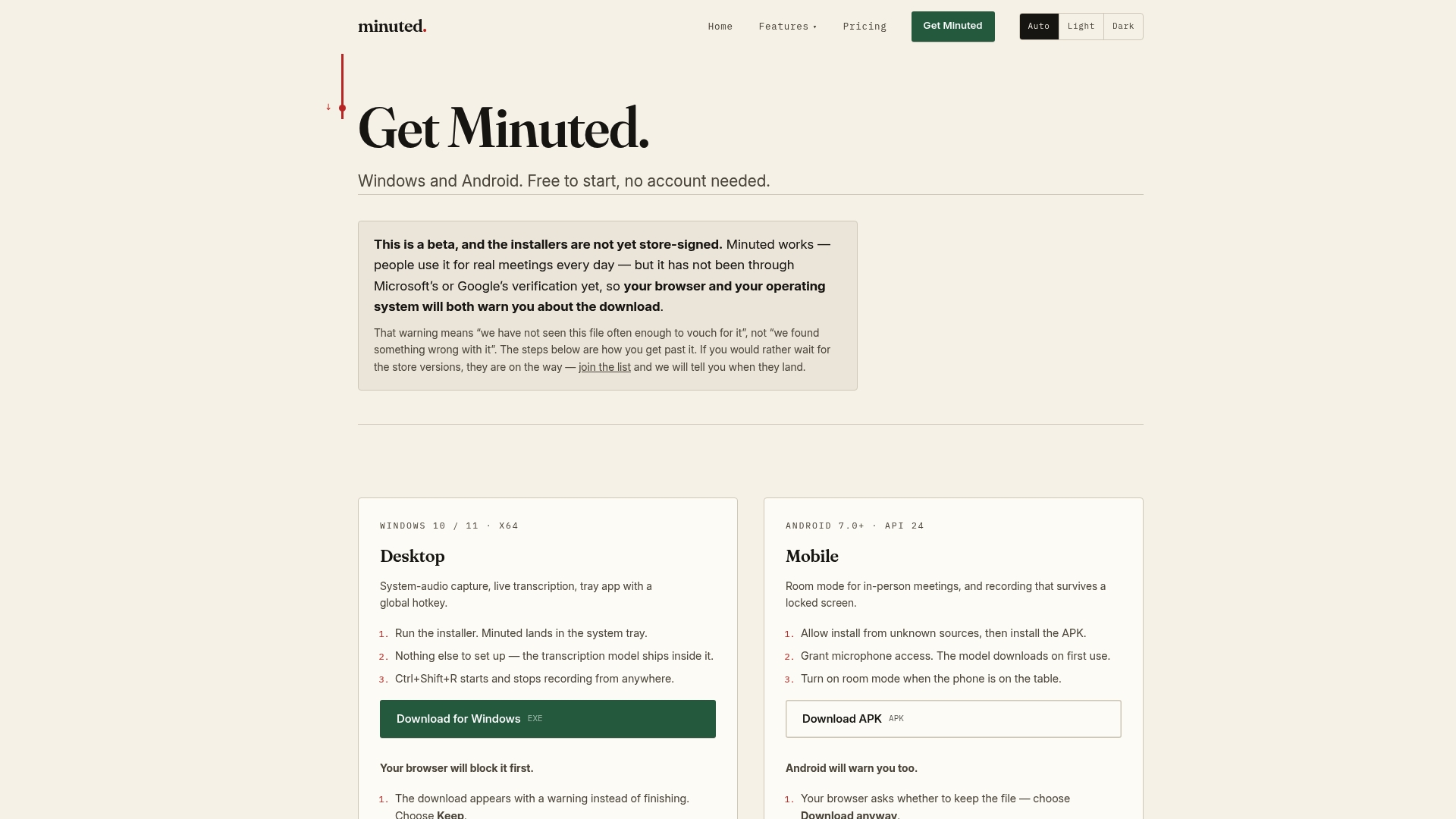
The free plan includes unlimited local mode with no account required, which makes it worth trying before paying for anything. For teams that need more cloud processing minutes or the full integration suite, Pro plans start at £10 per month or £110 per year, with Ultimate at £20 per month or £220 per year. If you're weighing local capture against a cloud-only competitor, the breakdown of what actually leaves your device is worth reading first. Ready to see it on your own meetings? Download Minuted and run it against your next call.
Sources
- Participant agreement for recording and transcription (Microsoft Learn)
- TagSpeech: End-to-end multi-speaker ASR and diarization with fine-grained temporal grounding
FAQ
How can I transcribe an online meeting?
Most video platforms offer built in captions or recording, but for structured output, a live transcript, speaker labels and an instant summary, you need dedicated transcription software running alongside the call. Tools like Minuted can capture audio locally on your device in real time, without needing the meeting host's platform to support transcription at all.
Can ChatGPT transcribe my meeting?
Not directly in real time. ChatGPT can summarise or clean up a transcript you paste in or upload as audio, but it isn't built as a live, in-meeting transcription and diarisation tool the way dedicated software is.
Can I transcribe a Teams meeting without people knowing?
Generally, no, and doing so may breach consent requirements. Microsoft Teams allows administrators to require explicit participant agreement before recording or transcription starts, and most jurisdictions expect at minimum clear disclosure, with explicit consent needed for sensitive conversations.
Does Google Meet transcribe for free?
Google Meet's built-in transcription is generally limited to certain paid Google Workspace tiers rather than being free for every account. Third-party tools with a genuinely free local mode, such as Minuted's free plan, offer an alternative that doesn't depend on which Workspace tier you hold.