
Project meeting minutes are the official record of what a project team decided and who owes what by when. Every set of minutes should capture the decisions made, the action items with an owner and a deadline attached, and brief context explaining why. Draft them promptly after the meeting ends and distribute the final version as soon as possible to preserve accuracy and momentum.
TL;DR:
- Using a standardized template with pre-filled metadata and agenda questions helps ensure consistent, accurate minutes during fast-paced meetings.
- Recording decisions with clear status and timestamped, structured action items with owners and deadlines maximizes follow-through and minimizes confusion.
- Editing and distributing minutes within 24 hours preserves their value, with verification of action items crucial to prevent miscommunication.
- Avoid verbatim transcripts and vague notes by sticking to a structured format, focusing only on decisions, action items, and key context.
- Automated transcription tools require human review to verify agreements and prevent errors that could lead to unnecessary work or misunderstandings.
Table of Contents
- What to include in project meeting minutes
- Before the meeting: set up your template in five minutes
- During the meeting: capture the three pillars
- After the meeting: tidy, verify, and distribute within 24 hours
- Copyable project meeting minutes template and example
- Best practices and common mistakes to avoid
- Why minutes matter more than most teams admit
- How Minuted fits the before, during, and after workflow
- Sources
- FAQ
What to include in project meeting minutes
Minutes fail for one of two reasons: they read like a transcript, or they leave out the one detail someone actually needs later. The fix is a fixed set of fields, filled the same way every time.
Every set of minutes needs:
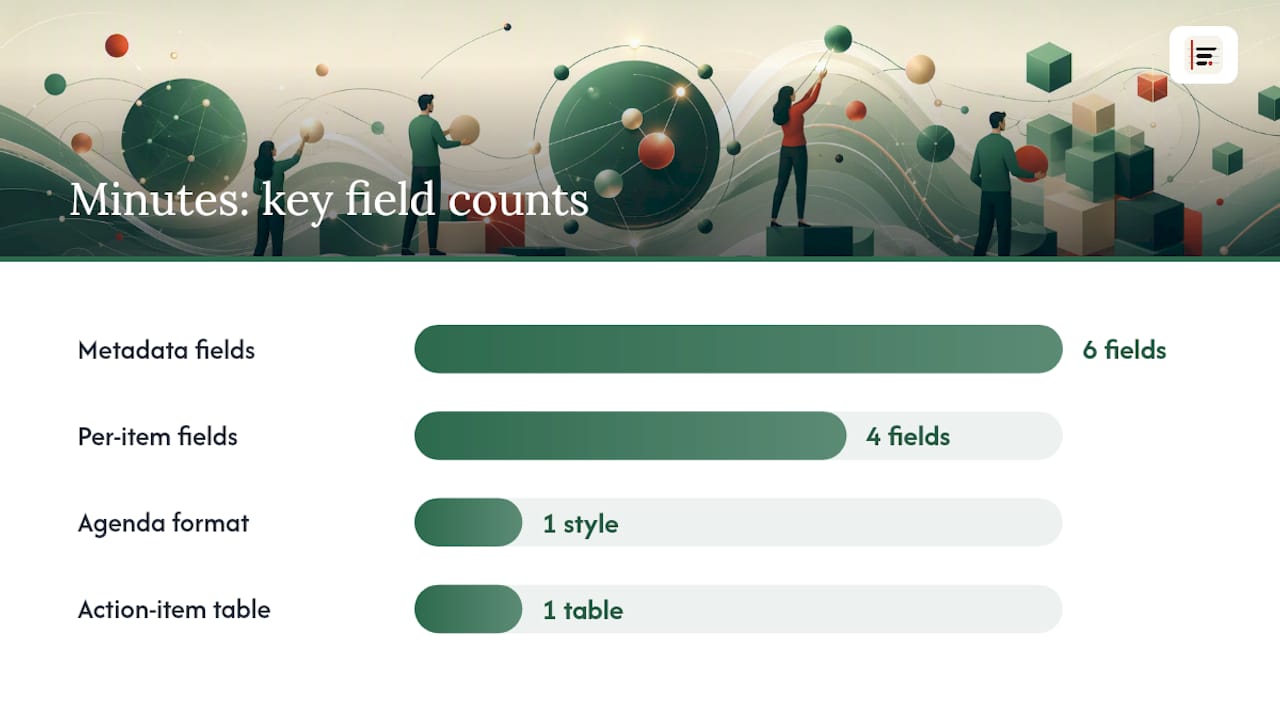
- Metadata: project name, date and time, location or call link, facilitator, note-taker, and who attended (plus who didn't).
- Agenda items written as questions ("Do we approve the revised launch date?" rather than "Launch date").
- Per-item fields: a one-to-three sentence discussion summary, a one-line decision, any resulting action items, and an optional line of rationale for why the decision went that way.
- An action item summary table, pulled together at the end so nobody has to hunt through prose to find their task.
That table is what most people actually reopen the minutes to check, days after the meeting:
Minutes exist as a shareable, official record, distinct from anyone's personal notebook, and that record only works if the key elements are consistent meeting after meeting.
Before the meeting: set up your template in five minutes
A blank page during a live meeting is where accuracy goes to die. Five minutes of preparation beforehand fixes most of that.
- Pre-fill the metadata fields: project name, date, facilitator, and expected attendee list.
- Rewrite each agenda item as a question, and add placeholder rows underneath for Decision, Action, Owner, and Deadline.
- Decide your recording policy in advance, and if you're using an AI transcription tool, plan to check the draft against what was actually agreed rather than what the tool inferred.
- Tell attendees when minutes will land and where they'll be stored, so nobody chases you for something they could have looked up.
Templates built ahead of the meeting remove the friction of deciding format on the fly, which is usually where inconsistency creeps in.
During the meeting: capture the three pillars
Good minutes rest on three things: decisions, action items, and the minimum context needed to understand why a decision was made. Everything else, the back-and-forth, the tangents, the joke about the coffee machine, can go.
Decisions need a status. Write "approved" or "pending further data" rather than leaving it ambiguous, and note who approved it if a vote or sign-off happened. A decision marked "tentative, pending Sarah's cost figures" is far more useful six weeks later than a flat statement that reads as final when it wasn't.
Action items should follow one formula, every time: VERB + TASK + OWNER + DEADLINE. "Priya will finalise the vendor shortlist by 14 March" leaves no room for the confusion that vaguer phrasing invites, and that kind of structured action item drives follow-through far more reliably than a loose note like "look into vendors."
Shorthand keeps you fast without sacrificing clarity:
- Use initials instead of full names once you've listed attendees.
- Timestamp contentious points, so you can go back to a recording if a dispute arises later.
- Label speakers by initials rather than transcribing dialogue verbatim.
Quote someone directly only when the exact wording matters, a legal caveat, a firm commitment, a number. Minutes are not a transcript, and treating them as one is the single most common reason they become unreadable.
Pro Tip: If two people disagree and no resolution is reached, record both positions neutrally ("Team disagreed on timeline: Priya proposed April, Tom proposed May") rather than picking a side or smoothing it over. The disagreement itself is often the useful record.
After the meeting: tidy, verify, and distribute within 24 hours
The gap between a meeting ending and minutes landing in someone's inbox is where most of the value either survives or evaporates.
- Edit within 2–4 hours while the discussion is still fresh, and get a final version out within 24 hours wherever possible, since prompt distribution preserves accuracy and gives people time to act before the next deadline creeps up.
- Audit every action item against the formula: verb, task, owner, deadline. If any element is missing, chase it before you send, not after.
- If a draft came from an AI transcription tool, check it against what was genuinely agreed. Automated drafts frequently mistake a tentative suggestion for a firm commitment, and that single error can send someone off doing work nobody actually asked for.
- Attach supporting files, file the minutes in a central, consistently named archive, and open the next meeting with a two-minute review of outstanding actions.
Copyable project meeting minutes template and example
Paste this structure into a document and you'll have working minutes in under a minute.
Template:
Project: [name] | Date: [date] | Facilitator: [name] | Note-taker: [name] Attendees: [names] | Absent: [names]
Agenda item 1: [Question form, e.g. "Do we approve the revised launch date?"] Discussion summary: [1–3 sentences] Decision: [one line, with status] Action item(s): [VERB + TASK + OWNER + DEADLINE]
Repeat for each agenda item, then close with the summary table.
Example, filled in for a typical status meeting:
Under "Do we approve the revised launch date?", the discussion summary might read: "Client flagged a two-week delay in asset delivery. Team discussed absorbing it into testing phase versus pushing launch." The decision line: "Approved, launch pushed to 22 April." One action item follows directly: "Aisha will send the revised timeline to the client by 8 March." Nothing else about that agenda item needs recording.
Best practices and common mistakes to avoid
- Do use the VERB + TASK + OWNER + DEADLINE formula for every single action item, without exception.
- Do send minutes fast, and keep the language flat and factual rather than editorial.
- Don't write a verbatim transcript. It buries the two decisions that mattered under twenty minutes of discussion that didn't.
- Don't leave an action item vague ("look into this") with no named owner or date attached.
- Keep one central, consistently named archive rather than scattering minutes across email threads and shared drives, and reopen the action items at the start of the next meeting rather than assuming they got done.
- Any AI-generated draft still needs a human read-through before it goes out.
Why minutes matter more than most teams admit
Minutes are the closest thing a project has to a diary, and diaries only work if someone actually writes in them consistently. The 24-hour rule and the action-item formula aren't bureaucratic box-ticking. They're the difference between a decision that gets acted on and one that quietly dies in a meeting nobody can quite remember properly..
— James
How Minuted fits the before, during, and after workflow
This workflow involves capturing what was said and turning rough notes into something structured. Some tools transcribe on-device in real time, work offline, and label speakers automatically, so a meeting held in a room with no signal can still produce a usable record. Calendar integrations with popular services can pre-populate meeting metadata before you open the document, and syncing with management tools can mean action items land directly where teams already track them, rather than sitting stranded in a document nobody reopens.
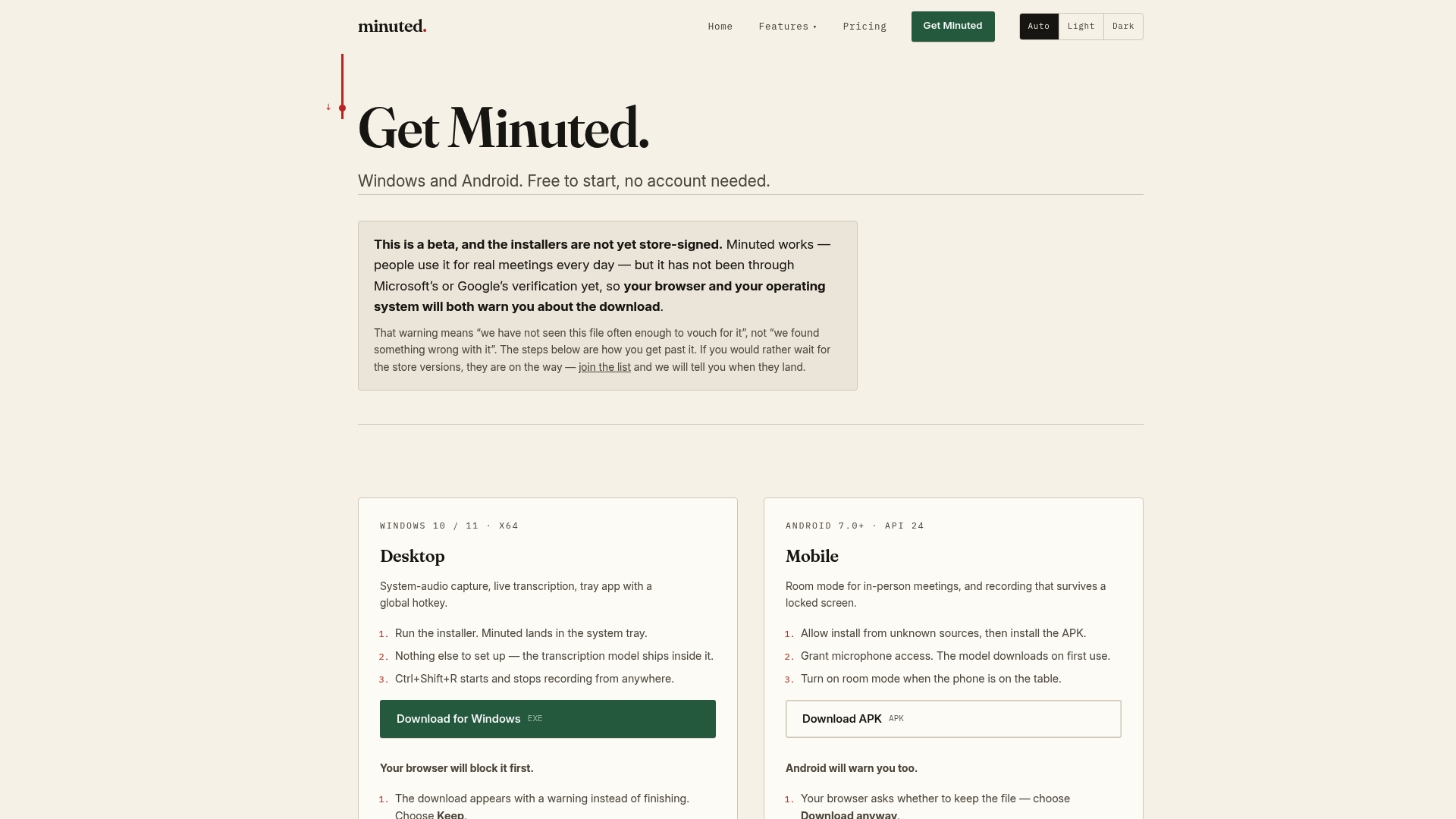
Because processing happens on the device rather than in the cloud, no audio needs to leave your hardware to get a structured draft. For teams handling client-sensitive or commercially confidential discussions, that matters as much as the time saved. If minute-taking during in-person sessions is where your process breaks down most, the in-person meeting notes feature is worth a look, and the full feature breakdown shows exactly how the calendar and task integrations connect. Start with the Minuted download page and try it on your next status meeting.
Sources
- Understanding the Key Elements of Project Meeting Minutes
- How to write meeting minutes (Science of People)
- Project-management
- Meeting minutes template: Guide with examples and action items (Wrike)
FAQ
Can ChatGPT write meeting minutes?
ChatGPT can turn a rough transcript or notes into a structured draft, but it has no way to verify who actually agreed to what, so a human still needs to check every action item and decision before distribution.
What eight things should meeting minutes include?
Project name, date and attendees, agenda items as questions, discussion summaries, decisions with status, action items with owner and deadline, supporting document links, and the date of the next meeting.
Can you give an example of meeting minutes?
A single agenda item might read: "Discussion: client flagged a two-week asset delay. Decision: launch pushed to 22 April, approved. Action: Aisha will send the revised timeline to the client by 8 March."
What is the action-item formula for minutes?
VERB + TASK + OWNER + DEADLINE, for example "Finalise the vendor shortlist (Priya, 14 March)", which removes the ambiguity that vague notes like "look into vendors" create.
How quickly should minutes be sent out?
Draft within 2–4 hours of the meeting ending and finalise within 24 hours wherever possible, since delay is one of the biggest causes of inaccurate or ignored minutes.