
A usable meeting minutes template gives you free, downloadable structures for Word, Google Docs, Canva and Confluence, then a short process for filling them in. The template itself must do three things: record the decision made on each agenda item, list action items with a named owner and deadline, and capture meeting metadata such as date, attendees and chair. The rest of this article covers download sources, a five-step customisation process and examples for different meeting types.
TL;DR:
- A meeting minutes template must include clear header, body, and footer sections to ensure complete and readable records.
- Using agenda IDs and noting decisions and actions during the meeting enhances searchability and accountability.
- Action items should be SMART, with assigned owners and deadlines, and tracked in a dedicated log for progress monitoring.
- Minutes should be drafted promptly, in past tense and third person, with decisions bolded for quick skimming.
- Confidential or sensitive information should be recorded as decisions and actions, with detailed discussion kept in restricted documents.
Table of Contents
- What a meeting minutes template must include
- How to use and customise a template in five practical steps
- Short examples: templates for common meeting types
- Action items and accountability: use SMART and an action log
- Formatting, tone and circulation: make minutes scannable and authoritative
- How technology can speed minutes: local transcription and structured write-ups
- How to handle confidential or sensitive information in meeting minutes
- A faster way to get from meeting to minutes
- A practitioner's brief on getting this right
- Sources
- FAQ
What a meeting minutes template must include
A functional template separates three zones: header, body and footer. Skipping any of them tends to produce minutes that are either incomplete or unreadable weeks later.
- Header fields: meeting name, date, time, location or platform, chair, note taker, attendees and apologies.
- Per-agenda-item entry: a short summary of the discussion, the final decision if one was made, and any action items with a single owner and deadline attached.
- Agenda IDs: a reference number on each item so later minutes or emails can point back to a specific decision.
- Footer elements: adjournment time, the date of the next meeting, and an approval or signature line for formal records.
The University of Manchester's governance guidance sets out this structure directly: header details, agenda-organised body with decisions and actions, and a footer with adjournment and approval information. It also recommends writing in the past tense and an impersonal voice, keeping each entry brief but self-contained, so a reader who missed the meeting still understands what happened without needing to ask.
How to use and customise a template in five practical steps
Adapting a template takes minutes, not hours, once the structure is in place.
- Prepare the header before the meeting starts by attaching a timed agenda to the calendar invite.
- Use agenda IDs while taking notes, matching each point of discussion to its agenda number as you go.
- Mark decisions and actions during the meeting or immediately afterwards, while the detail is still fresh.
- Tidy the language: convert rough notes into short, past-tense decision statements and merge any duplicate points.
- Circulate the draft promptly and update the central action log so nothing sits unassigned.
Pro Tip: Keep a running agenda ID next to every note you take. It turns a page of scribbles into a document you can search in seconds.
Short examples: templates for common meeting types
The right layout depends on how formal the meeting is and who will read the minutes afterwards.
- Team sync: short per-item notes with a single action column next to each point.
- Project stand-up: three columns done, blockers and next steps, each row carrying an owner and a due date.
- Board or committee meeting: a formal header, motions and decisions recorded by number, with appendices for supporting papers and a signature or approval line.
- Client call: attendees, decisions, agreed deliverables and follow-up items, each with an owner and a date.
Robert's Rules of Order makes the same point for formal bodies: minutes record what was decided, not the debate itself, including the kind of meeting, date and time, who chaired it, the motions raised and their outcome, and the hour of adjournment.
Action items and accountability: use SMART and an action log
An action item only works if someone can tell, without asking, whether it is done. The SMART format (specific, measurable, achievable, relevant, time-bound) turns a vague line like "look into supplier costs" into "Priya to get three supplier quotes for packaging by Friday". That single change makes the task checkable.
- Assign one owner per action, never a team or department.
- Attach a deadline to every action, and note any acceptance criteria worth stating.
- Keep a separate action log or a dedicated column, and reference the action ID in later minutes so progress is traceable.
A committee servicing guide recommends producing the first draft of minutes within five working days of the meeting. Waiting longer risks losing detail and lets actions slip before anyone follows up.
Formatting, tone and circulation: make minutes scannable and authoritative
Minutes exist to be scanned quickly, not read start to finish. Bold the decision in each agenda item, use a table or clear columns for actions, and keep agenda IDs consistent throughout.
- Write in the past tense and third person, especially where the minutes form part of a formal record.
- Bold each decision so a reader skimming for outcomes does not have to hunt for it.
- Draft within a few working days of the meeting and circulate for approval before filing.
Pro Tip: Agree a filename convention for approved minutes (date, meeting name, version) before the first one gets filed. It saves an afternoon of searching six months later.
How technology can speed minutes: local transcription and structured write-ups
Recording and transcribing a meeting on-device can shorten the drafting step, since a written transcript with speakers labelled removes most of the guesswork in reconstructing who said what. This matters most in restrictive networks or in-person settings, since processing that happens on the device does not depend on an internet connection. Calendar and task integrations can turn a marked action item directly into a scheduled task, closing the loop between the minutes and the work.

How to handle confidential or sensitive information in meeting minutes
Not everything said in a meeting belongs in the minutes, and not every reader should see every line. The safest approach is to record decisions and actions rather than the discussion that led to them: a line stating what was agreed carries less risk than a paraphrase of who argued for what.
Where a topic is genuinely sensitive (personnel matters, legal exposure, commercial terms), note that the item was discussed and decided, then hold the detail in a separate, restricted document referenced by number rather than reproduced in full. Formal governance guidance follows this pattern too: full reports and papers sit in appendices, while the minutes themselves record only the decision and required action, which limits what circulates to the full distribution list.

Where minutes will be stored digitally, treat access control as part of the format, not an afterthought. Restrict edit and view access to those who need it, and apply the same filename and folder convention as any other confidential record so sensitive minutes cannot be found accidentally through a general search. If a meeting includes both open business and confidential items, consider splitting the minutes into two documents from the outset rather than trying to redact one document after the fact. That separation also makes it easier to circulate the open minutes widely while keeping the sensitive record on a tighter distribution list, which matters for audit trails as much as for discretion.
A faster way to get from meeting to minutes
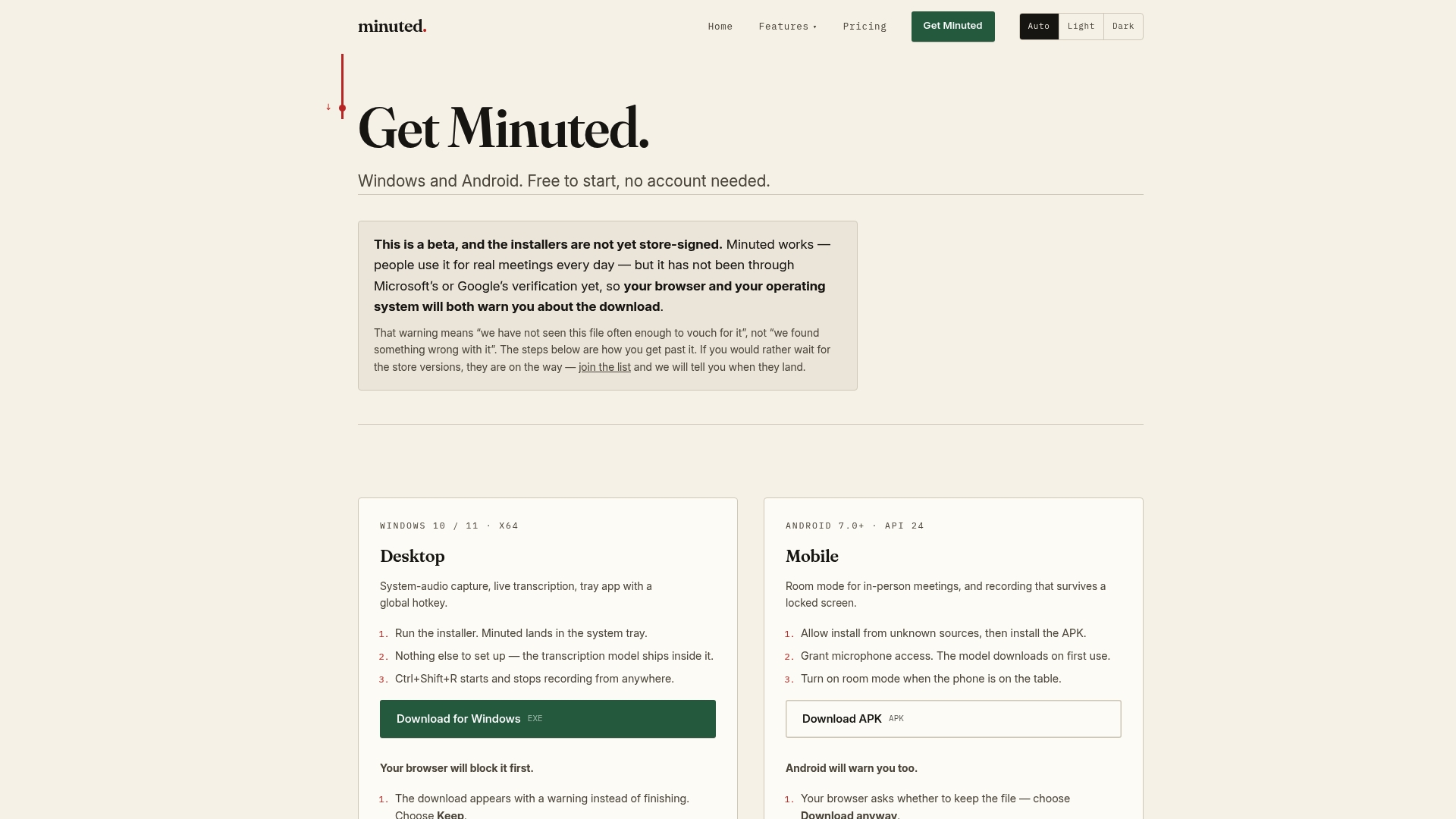
Typing up notes after a meeting is usually the slowest part of the process. A transcription tool can transcribe and label speakers on-device, including offline, and turn the result into structured minutes with actions ready to sync to your calendar or task list. Local mode is free; paid plans start at £10 a month for extra cloud processing and integrations.
A practitioner's brief on getting this right
Use executive, minimal minutes for routine team meetings and save the formal structure, with numbered motions and a signature line, for governance bodies. Most teams over-engineer their template long before they need to.
— James
Sources
Most readers do not need to build a template from scratch. Several free galleries already cover the common formats.
- Minutes and actions | Governance office | StaffNet | The University of Manchester
- Committee servicing guide — minute writing (University committee guide)
- Robert's Rules of Order — the minutes (extract)
The Confluence meeting notes template includes attendees, agenda, discussion summary, decisions and action items in one page, and Atlassian positions it for teams that want minutes linked to ongoing work rather than filed separately. NHS Elect's minute-taking templates take a simpler approach: meeting details, attendees, apologies and an action log, with no unnecessary formatting. Start with whichever layout is easiest to read, then add branding only if the minutes will circulate outside the team.
FAQ
What is the proper format for minutes of a meeting?
A proper format has a header (meeting name, date, attendees, chair), a body organised by agenda item with a decision and any actions recorded against each, and a footer with adjournment time and approval details. The University of Manchester's guidance sets out this structure and recommends writing in the past tense with SMART action items.
Is there a meeting minutes template in Word?
Yes, Microsoft maintains a gallery of downloadable, editable meeting minutes templates in Word format, ready to fill in with a header and action table already built in. They suit anyone who wants an offline-editable document without setting up a new layout.
What are the four things that meeting minutes should include?
At minimum, minutes should include meeting details (date, time, attendees), a summary of each agenda item discussed, the decisions made, and the action items with an owner and deadline attached. Robert's Rules of Order adds that formal minutes should also record motions and the hour of adjournment.
Can you provide an Excel template for meeting minutes?
Google Sheets or Excel work well specifically for the action log rather than the full minutes, since a spreadsheet makes it easy to track owner, deadline and status across meetings. For the minutes themselves, a Word, Google Docs or Confluence template is usually easier to read than a spreadsheet layout.