

Send a short action-items summary plus the draft minutes, or a link to them, to everyone who attended or should have attended, within 24 hours of the meeting ending. That summary should list every decision and task using the What, Who and When format so nobody has to hunt for their assignment. Nonprofits have more flexibility under IRS guidance, but professional teams and boards should treat 24 hours as the working standard, not the exception.
TL;DR:
- Distribute a concise action-items summary immediately after the meeting, using clear What, Who, When details to promote prompt follow-up.
- Circulate draft minutes within one to four hours for quick review, then seek formal approval at the next meeting to establish the official record.
- Send the full draft minutes within 24 hours to maintain accuracy, with shorter timeframes for public or legal bodies due to statutory requirements.
- Use appropriate channels such as email, shared documents, or secure portals depending on sensitivity, ensuring only authorized access to confidential materials.
- Automate and verify task extraction and distribution workflows with tools like Minuted to support on-device processing, immediate follow-up, and confidentiality.
Table of Contents
- How to distribute meeting minutes within the first 24 hours
- What's the right workflow from draft to approved record?
- When are you legally required to send minutes sooner?
- Which channel should you use to send meeting minutes?
- Templates you can copy and send today
- How do you proofread minutes before they go out?
- Where should approved minutes live long term?
- Which tools speed up distribution without adding risk?
- How do you handle confidential information in minutes?
- What one habit actually improves follow-through?
- Get your minutes out faster with Minuted
- Sources
- FAQ
How to distribute meeting minutes within the first 24 hours
Speed only matters if the sequence is right. A well-run distribution follows a fixed order rather than a scramble to remember who needs what.
- Send the action-items summary first. List each item as What was decided, Who owns it, and When it is due. This structure, backed by practical minutes guidance, lets recipients act before they even open the full document.
- Attach or link the draft minutes. Mark them clearly as "draft, pending approval" so nobody mistakes them for the final record.
- Confirm the recipient list. Send to attendees, named absentees who had a stake in the discussion, and any stakeholder who needs visibility but wasn't in the room.
- Flag approval items. Note which decisions still need sign-off, who the approver is, and by when.
- Set calendar reminders or push tasks. If your workflow supports task syncing, this is the moment to do it, while the context is still fresh for whoever assigns it.
Skipping any one of these steps is usually what causes action items to stall. The summary-first habit alone accounts for most of the difference between minutes that get acted on and minutes that get filed and forgotten.
What's the right workflow from draft to approved record?
Good minutes distribution isn't a single event. It's a short pipeline with defined checkpoints, and skipping a checkpoint is usually where things go wrong.
- Draft within one to four hours. Write the working draft while the discussion is still fresh, ideally before you leave the building or close the video call. Waiting until the next day means reconstructing tone and nuance from memory, which is where wording disputes start.
- Run a five-minute accuracy check with the chair. Before the draft goes to anyone else, the meeting leader should scan it for anything materially wrong: a decision recorded that wasn't actually made, or a name attached to the wrong task.
- Circulate with a clear review window. State explicitly how long people have to flag corrections, commonly 48 to 72 hours, and where comments should go. Parliamentary convention already treats minutes as unapproved until the next meeting, so circulating early is standard practice, not a shortcut, and it's the reason the assembly can skip reading them aloud when the next session begins.
- Present for formal approval at the next meeting. This is the point where minutes become the official record. Anything short of that, no matter how polished, remains a draft. Boards that need to fix a factual error after approval generally require a formal motion at a later meeting, so getting it right before that vote matters more than people assume.
- Check action items three to four days before the next meeting. A brief status ping catches stalled tasks with enough runway to fix them before the group reconvenes, rather than discovering the gap live in the meeting.
Pro Tip: Keep a running action register at the top of your minutes document rather than buried in the body text. Update it as tasks close, and that single page becomes your accountability record across the whole project, not just one meeting.
The workflow above assumes someone owns each step. In smaller teams that's often the same person drafting, checking and circulating, which is exactly why the one-to-four-hour drafting window matters: it's the only stage where memory does the heavy lifting, and memory fades fast once a second meeting starts.

When are you legally required to send minutes sooner?
Most professional teams should treat same-day to 24 hours as the working norm, with a full draft ready before the next scheduled meeting regardless of when that falls. That's a professional convention, not a legal deadline, and it exists because delay compounds: the longer minutes sit unsent, the more likely details get disputed later.
Statutory and governance deadlines change the calculation for specific organisation types:
- Nonprofits filing Form 990 should finalise minutes by the later of 60 days after the meeting or the next board meeting, per IRS-aligned guidance. Many organisations aim well inside that window anyway, since contemporaneous records hold up better under audit or dispute than anything reconstructed months later.
- Public bodies subject to open-meeting laws often face far shorter windows. Nebraska's open-meetings statute requires minutes to be made available within a matter of working days, not months, because the public has a standing right to that record. Requirements vary by jurisdiction, so check your local statute rather than assuming the nonprofit benchmark applies.
- Private company boards typically follow their own bylaws or governance charter rather than a statute, but the same principle holds: draft fast, approve at the next meeting, treat anything unapproved as provisional.
60 days is the IRS outer bound for nonprofit board minutes under Form 990 documentation practice, but that's a ceiling, not a target. Most well-run boards distribute drafts within days.
The distinction between draft and official minutes matters more than most people realise. Only the version approved at a subsequent meeting counts as the formal record; everything before that is a working document, however accurate it turns out to be.
Which channel should you use to send meeting minutes?
The right channel depends on sensitivity, audience size and whether recipients need to comment or just read. Email remains the default for most teams, but it isn't the only option, and picking the wrong one is how action items get buried.
- Email for most teams. Use a subject line that states the meeting and date plainly (e.g. "Minutes: Product Sync, 12 March"), open with a three-line action summary before any attachment, and keep attachments to a single combined file. Adobe's guidance recommends merging minutes and supporting documents into one PDF, which avoids the scattered-attachment problem that makes people skip reading altogether.
- Shared docs for active collaboration. Google Docs or Notion work well when multiple people need to comment on a draft before approval, but lock or version the file once it's finalised so edits don't quietly change the record after the fact.
- Board portals or secure intranets for sensitive material. Financial detail, personnel matters or legal discussion belong behind access controls, not in a general inbox. Confirm recipients have consented to electronic delivery where your governance rules require it.
- Direct reminders for stalled owners. Don't rely on the group email to surface individual accountability. A short, individual nudge to the specific task owner works better than resending the whole document to everyone again.
Meeting platforms increasingly handle this natively. Procore's meetings tool, for instance, lets project teams distribute and redistribute minutes directly from the system that generated them, which removes a manual export step that often introduces delay.
Templates you can copy and send today
A usable template beats a blank page every time. Below is a compact structure that covers the two things recipients actually read: what's decided, and what they need to do about it.
For the minutes themselves, keep the structure short: meeting logistics (date, attendees, absentees), decisions made, actions assigned, and the date of the next meeting. Under each agenda item, placeholder fields for Decision, Action, Owner and Deadline keep the document scannable rather than narrative.
Two email patterns cover most situations:
- Immediate action-items email (send within the hour). Subject: "Action Items: [Meeting Name], [Date]". Body: three to five bullet lines of What/Who/When, no attachment needed. This gets owners moving before the fuller draft is even ready.
- Full draft distribution email (send within 24 hours). Subject: "Draft Minutes: [Meeting Name], [Date]". Body: one-paragraph summary of key decisions, the action-items table, a note on the review window, and the combined PDF attached or linked.
Sending the short version first and the full draft second isn't just tidier. It roughly doubles the odds that action owners actually engage with their tasks before the full document lands, because a single clear line is easier to act on than a multi-page attachment nobody has opened yet.
How do you proofread minutes before they go out?
A rushed draft with the wrong name on a task creates more cleanup work than the ten minutes it takes to check properly. Run a five-item pass before anything goes wide:
- Names spelled correctly, especially for anyone assigned an action.
- Dates and deadlines match what was actually agreed, not a typo carried over from the agenda.
- Decision wording is precise. A discussion that ended "we'll consider this" should never be logged as "approved."
- Every action has an owner, not a vague "team to follow up."
- Attachments are the right, final versions, not an earlier draft still sitting in the folder.
If an AI tool produced the first draft, this check matters even more: confirm ownership and deadlines weren't misassigned, and that tentative language wasn't tightened into a firm decision it wasn't. Formal boards typically require the chair or secretary to sign off before circulation, and approval at the next meeting remains the final legal step regardless of who drafted it.
Pro Tip: Read the action items out loud before sending. If a sentence doesn't make sense as a spoken instruction, the owner reading it cold won't understand it either.
Where should approved minutes live long term?
Consistency beats cleverness here. Use a naming convention that includes the date, meeting type and version status, for example "2026-03-12_BoardMeeting_vFinal", and store everything in one centralised archive rather than scattered across individual inboxes.
- Version clearly. Draft copies should never sit in the same folder as approved final minutes without a visible version tag.
- Follow your retention policy. Statutory minima vary by jurisdiction and organisation type, so check what your governance framework or local law requires before setting a default.
- Discard personal notes once minutes are finalised. Governance counsel generally advises against keeping informal personal notes after the official record exists, since those notes can become discoverable in a dispute and rarely add anything the approved minutes don't already capture.
- Treat the approved version as final. Any correction after approval needs a formal motion at a later meeting, not a quiet edit to the stored file.
Which tools speed up distribution without adding risk?
Structured action extraction, capturing What, Who and When for every task, does more for follow-through than any formatting choice. Pairing that structure with a direct task manager integration closes the loop between "it was said in the meeting" and "it shows up on someone's task list."
- Keep a human check on AI-generated drafts. Tools that export tasks automatically are only as good as the transcript behind them; confirm ownership and deadlines before anything pushes live, since automated exports without a verification step tend to widen the gap between what's said and what's tracked, not close it.
- Auto-push routine tasks, manually assign anything sensitive. A recurring status update can go straight to a task board. A personnel or budget decision deserves a human deciding who sees it first.
- Look for calendar and task-manager integration. Minuted records on-device with no audio leaving the device unless you choose otherwise, labels speakers automatically, and syncs actions to calendar and task tools so assignments land where owners already work rather than in a separate inbox.
- Check integration settings before the first automated send. Confirm which fields map where, particularly deadlines, before trusting a tool to push tasks without a review step.
Pro Tip: Treat any automated task export as a draft push, not a final one, for at least your first few meetings with a new tool. It takes one review cycle to trust the mapping.
How do you handle confidential information in minutes?
Not everything discussed belongs in a document that gets emailed to a distribution list. Personnel matters, legal exposure, unresolved financial detail and anything covered by a confidentiality agreement need separate handling from routine decisions and actions.
The simplest approach is to keep two layers: a general summary that captures decisions and actions for wide circulation, and a restricted section or separate document for anything sensitive, shared only with those who need it. Board minutes covering legal risk or personnel matters, for instance, commonly get filed to a smaller list than the general action-items summary, and stored behind stricter access controls than the shared drive everyone else uses.

Where a discussion touched on something genuinely sensitive but doesn't need to be minuted verbatim, record that the topic was discussed and a decision reached, without repeating the specifics that created the risk in the first place. If a matter is under legal privilege, check with counsel before circulating any written record at all, formal or otherwise.
Access control matters as much as content. A shared document with an open link is not the same as a board portal with logged, permissioned access, and sensitive minutes belong in the latter. If your organisation handles minutes on-device with tools like Minuted rather than routing audio through a third-party server, that distinction becomes part of your confidentiality posture, not just a convenience.
What one habit actually improves follow-through?
The 24-hour target works because it's realistic, not because it's aggressive. Most teams already have the information ready within an hour of the meeting ending; the habit that's missing is sending something before the full draft is polished.
If you change exactly one thing, make it this: send a top-of-email action list within an hour of the meeting closing, before you've even finished writing the full minutes. It's shorter than a proper draft and easier to act on immediately, and that immediacy is what actually moves tasks off the list. Everything else in a good distribution workflow, the approval cycle, the storage discipline, the templates, matters less than whether someone opened something useful in the first hour.
— James
Get your minutes out faster with Minuted
Minuted is built for the exact bottleneck this article describes: the gap between a meeting ending and a usable draft landing in someone's inbox. It transcribes and writes up notes on-device, so audio never has to leave your device unless you choose otherwise, labels who said what automatically, and syncs actions straight into your calendar or task manager without you retyping a single line.
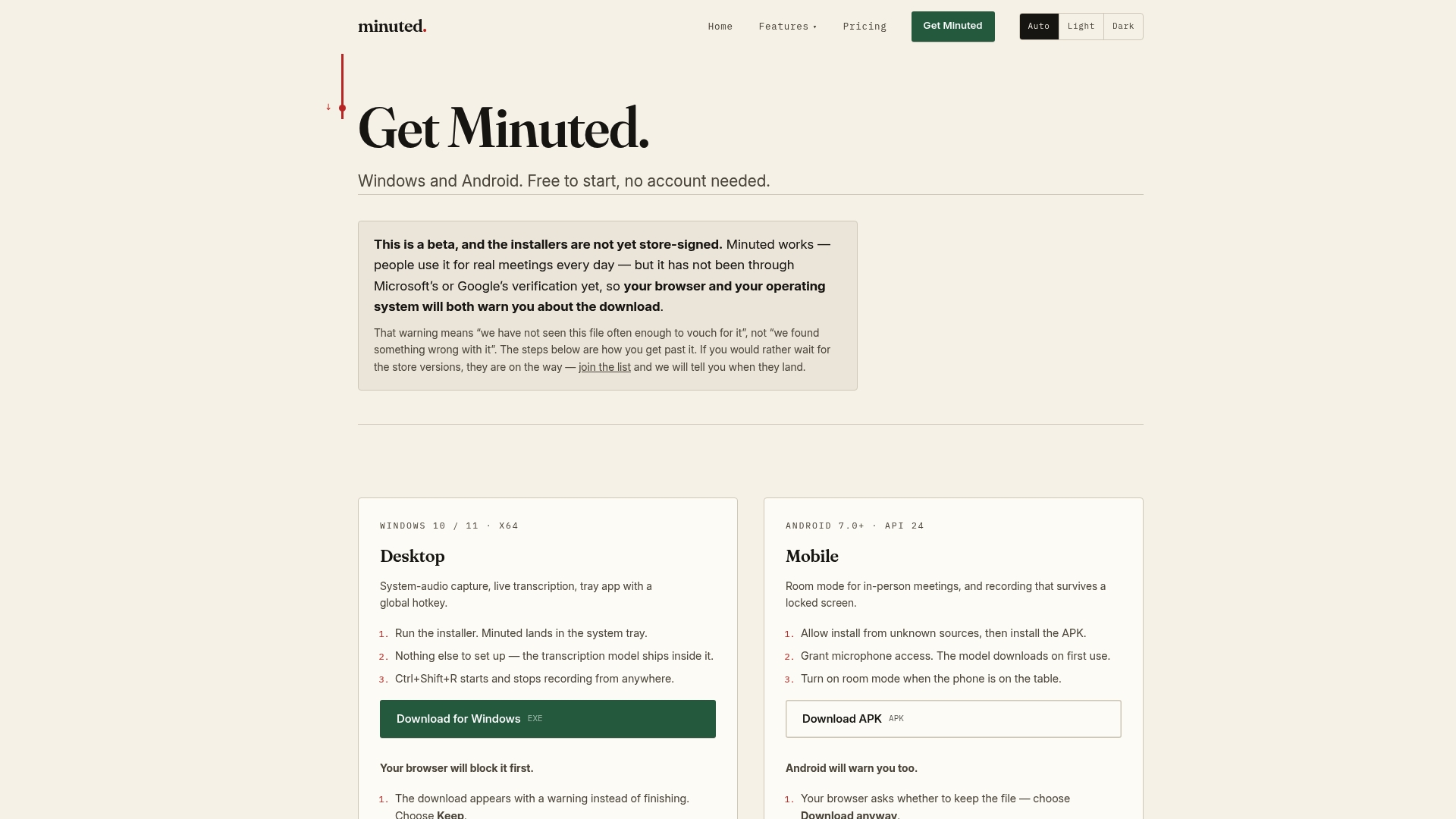
That on-device processing matters most when your minutes touch anything sensitive, personnel discussions, budget detail, client information, because there's no server round-trip to worry about. You can see exactly what leaves your device and what doesn't before you rely on it for anything confidential. For teams that still run plenty of in-person meetings, Minuted works on both phone and desktop devices.
A manual workflow is perfectly workable for small, infrequent meetings. Once you're running several a week with real accountability on the line, the Pro plan at £10 a month (or £110 a year) removes most of the drafting lag entirely. Check current plans and pricing and see which tier fits your meeting volume.
Sources
For the specifics behind the timing and governance claims in this article, go to the primary sources rather than a secondary summary:
- Nebraska Legislature — Open Meetings statutes
- Science of People — How to write meeting minutes (template & examples)
FAQ
How do I share meeting minutes by email?
Open with a short action-items summary using the What, Who, When format, then attach or link the full draft minutes as a single combined file. Use a subject line naming the meeting and date, and send within 24 hours while the content is still fresh for recipients.
How do I present minutes from a meeting?
Present draft minutes for approval at the next scheduled meeting, since that vote is what turns a draft into the official record. Circulating the draft in advance, a practice grounded in standard parliamentary convention, lets the group skip reading it aloud and move straight to approving or amending it.
What is the best time to distribute minutes to participants?
Same-day to 24 hours after the meeting is the professional standard for most teams. Nonprofits have more room under IRS guidance, which sets an outer limit of 60 days or the next board meeting, but sending sooner keeps the record accurate and avoids disputes over what was actually said.
When distributing meeting minutes, what should you send first?
Send the action-items summary first, ideally within an hour, followed by the full draft minutes within 24 hours. Tools that structure action items automatically, such as Minuted's on-device transcription with speaker labelling, can shorten that gap without you sacrificing accuracy.
Do draft minutes count as the official record?
No. Draft minutes are a working document until approved at the next meeting; only the approved version is the formal record. Any correction needed after approval generally requires a formal motion at a subsequent meeting rather than a quiet edit to the file.