
AI note takers are acceptable for routine meetings once you apply basic controls, but they are not yet safe for privileged or highly sensitive discussions. The single most effective immediate action is to disable auto-join and auto-record defaults, or switch to on-device processing where the option exists. Everything else, consent, retention, vendor vetting, follows from that first decision.
TL;DR:
- Using AI note takers in sensitive meetings remains risky unless auto-join and auto-record features are disabled and processing is done locally on the device.
- Several incidents have exposed confidential data through insecure endpoints, logging flaws, or shared copies across multiple subprocessors.
- Voice and text data processed in the cloud are vulnerable to interception, misconfiguration, and prolonged retention or training use without clear opt-outs.
- Legal compliance requires verifying consent, privilege waivers, data jurisdiction, and secure data handling before recording sensitive or regulated conversations.
- Minuted offers a privacy-focused solution that processes audio locally, reducing many risks associated with cloud-based AI note-taking systems.
Table of Contents
- Technical risks and real incidents that expose meeting content
- How data flows in AI note-taking systems on-device versus cloud
- Legal and compliance issues to check before you record
- Practical protections: settings, workflows and organisational controls
- A concise checklist to evaluate an AI note-taking tool or workflow
- Balancing productivity and confidentiality in daily practice
- Minuted: a privacy-first option for meeting transcription
- Primary sources and further reading
- Sources
- FAQ
Technical risks and real incidents that expose meeting content
Meeting transcripts travel through more infrastructure than most users assume, and each stop is a potential failure point. Several documented incidents show what goes wrong in practice.
- Hard-coded API keys embedded in client applications have exposed backend systems to unauthorised access.
- Insecure endpoints have allowed transcript data to be pulled without proper authentication.
- Logging systems that capture full payloads, including names, health details or financial figures, turn routine debugging into a privacy incident.
- Once a transcript is copied across a vendor's subprocessors, backups and log stores, each copy becomes a separate point of exposure.
A high-severity vulnerability was recorded in an AI stack after a logging flaw exposed authorisation headers and full payloads, according to the National Vulnerability Database. That single misconfiguration was enough to make sensitive conversation content readable to anyone with access to the affected logs, a reminder that encryption in transit does not protect data that is logged in plain text after arrival.
How data flows in AI note-taking systems on-device versus cloud
Every AI note taker moves your words through the same broad sequence: capture, transit, processing, storage and, in some cases, model training. Knowing where each stage happens tells you where the risk sits.
- Capture: the microphone or calendar integration that starts recording, often automatically.
- Transit: whether audio or text is sent to a remote server or stays on the device.
- Processing: on-device processing keeps raw audio local, while cloud processing sends it to external servers, sometimes via subprocessors the vendor does not name upfront.
- Storage and training: how long transcripts are retained, and whether they are used to improve the vendor's models.
Minuted's own explainer on what data leaves the device illustrates this distinction concretely, contrasting local processing with the cloud round-trip most competitors rely on. When reviewing any provider's privacy policy, treat vague retention periods, undisclosed training use, and broad third-party sharing clauses as red flags rather than boilerplate.
Legal and compliance issues to check before you record
Recording a meeting is not just a technical decision. It carries legal weight that varies by jurisdiction and sector.
- Consent laws differ: some regions require all parties to agree to a recording, others only one, and using the wrong assumption can create liability.
- Legal analysis of AI note-taker risk warns that transcripts can be treated as discoverable evidence and that recording privileged conversations risks waiving attorney-client privilege.
- Biometric privacy statutes in some jurisdictions carry penalties of up to $5,000 per violation, a figure specific to that legal framework and not a global standard.
- Healthcare and finance carry extra sensitivity: a transcript that captures a patient detail or account number becomes regulated data the moment it is stored.
- Cross-border transfers raise separate questions about where data physically sits and which regulator has jurisdiction over it.
Before you record anything sensitive, check your organisation's consent policy, confirm whether privilege applies, and treat every transcript as something that might later be requested in a legal or regulatory process.
Practical protections: settings, workflows and organisational controls
Reducing risk is mostly a matter of turning off defaults and asking better questions before adoption. The steps split naturally between what an individual can do and what an organisation should enforce.
- Turn off auto-join and auto-record so the tool only activates when you choose it to.
- Prefer local or offline processing modes whenever the option exists.
- Obtain verbal consent from attendees before recording and note that consent was given.
- Redact or pause recording during genuinely sensitive passages.
- Ask IT to confirm encryption in transit and at rest, a named subprocessors list, and a retention window measured in days rather than indefinitely.
- Restrict access to transcripts through role-based permissions and keep an audit log of who viewed them.
Pro tip: Set your note-taking tool's retention period to the shortest window your workflow allows, then review it every quarter rather than assuming the default is still appropriate.
Organisations handling regulated data should run a data protection impact assessment before wide rollout, insist on contract clauses that forbid using transcripts for model training without explicit consent, and train staff on when recording is inappropriate. Workplace privacy guidance on AI note-takers points to disabling auto-record defaults and maintaining a short approved-tool list as two of the most effective mitigations available to employers right now.
A concise checklist to evaluate an AI note-taking tool or workflow
Before approving any tool, work through a short set of questions rather than relying on marketing copy.
- Where is audio actually processed, and is an on-device option available?
- Does the vendor use transcripts to train its models, and can you opt out in writing?
- What is the retention period, and can you delete a transcript on request with confirmation it was removed?
- Who are the named subprocessors, and does the contract restrict their reuse of your data?
- Has the vendor disclosed any past security incidents or shared a recent audit report?
- Are the defaults privacy-respecting, meaning recording is opt-in rather than automatic, and is the privacy policy specific rather than vague?
A tool that cannot answer these questions clearly, or that defaults to always-on recording, deserves closer scrutiny before it touches confidential conversations. NIST's generative AI risk management guidance recommends documenting data provenance and applying governance practices across the AI lifecycle, a useful framework for structuring exactly this kind of vendor review.
Balancing productivity and confidentiality in daily practice
I use AI note takers for internal planning calls and routine check-ins, never for anything covering legal, medical or personnel matters. The habits that matter most are simple: announce recording before it starts, keep it selective rather than constant, and review the transcript afterwards rather than trusting it blindly. Tools built around on-device processing, Minuted among them, make that selectivity easier to enforce.
— James
Minuted: a privacy-first option for meeting transcription
Minuted processes audio and generates write-ups on-device, so recordings do not have to leave your device unless you specifically choose a cloud option. That design addresses several risks covered above directly rather than through a policy promise.
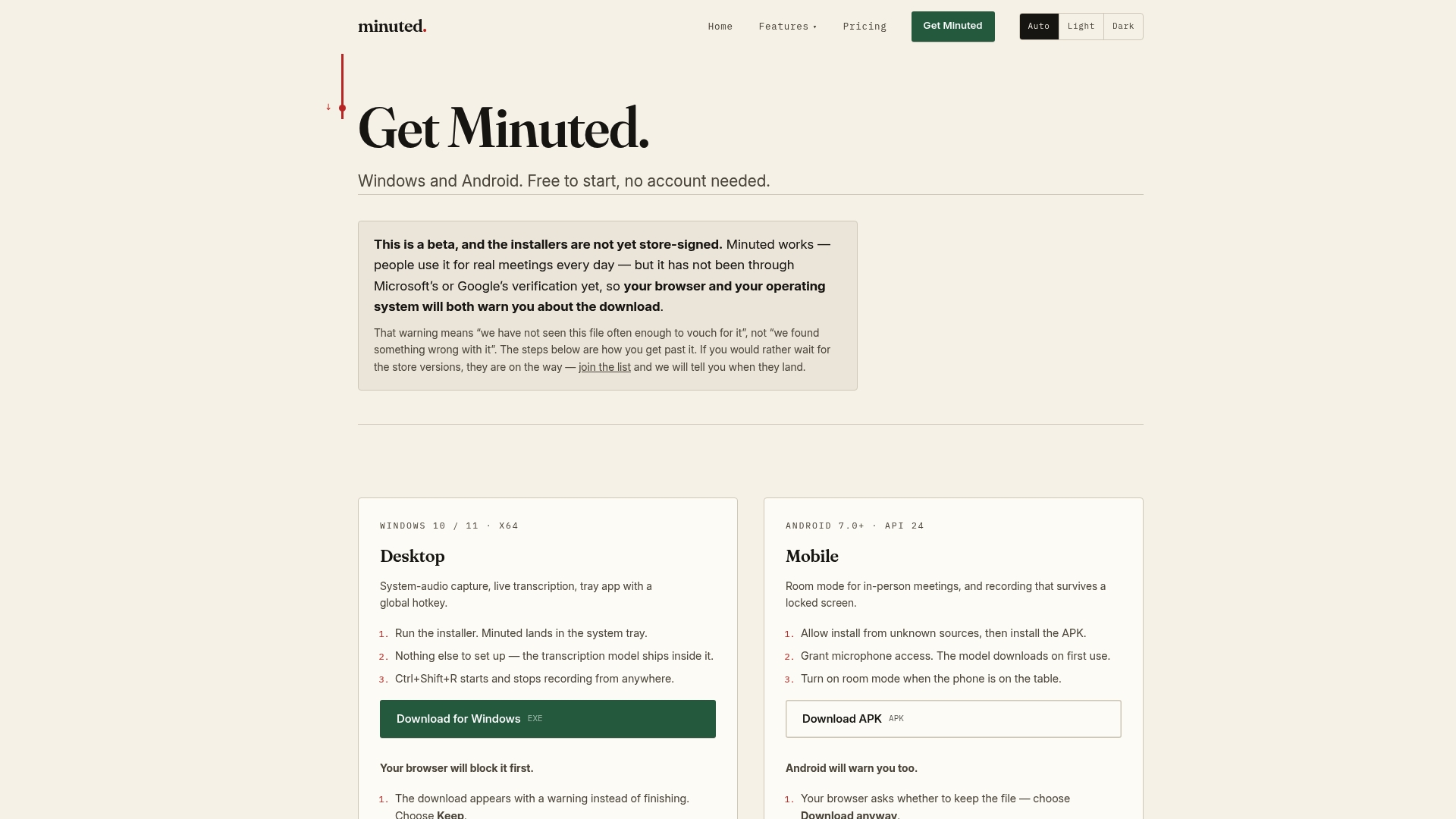
- Real-time transcription works offline, removing the transit and subprocessor exposure that comes with cloud-only tools.
- Speaker labelling keeps attribution clear without requiring extra manual tagging.
- Calendar and task integrations with Google, Outlook, Todoist, monday.com and Notion carry actions straight from a meeting into your existing workflow.
- Room-mode works for in-person meetings as well as desktop calls, covering the scenarios where consent and control matter most.
You can review what leaves the device in detail, or check current plans on the pricing page for details on available tiers and features.
Primary sources and further reading

For legal exposure, read the analysis of AI note-taker risk. For technical due diligence and vendor security posture, Semester Flow's security and trust page and Quikturn's enterprise controls cover retention and deployment questions IT teams should ask. For governance frameworks, consult NIST's AI risk guidance and your national data protection regulator's generative AI guidance.
Sources
- The silent guest in your meetings: legal risks of AI “note‑takers”
- AI notetakers – evaluating the risks along with the benefits
- Artificial intelligence risk management framework: generative AI profile (NIST)
- CVE-2026-15574 (NVD)
FAQ
Are AI note takers secure?
Security varies significantly by vendor: some process audio entirely on-device and encrypt data at rest, while others rely on cloud pipelines with logging practices that have led to documented high-severity exposures. Check a specific tool's data flow and retention policy rather than assuming security by default.
Is it okay to use AI to take notes?
It is generally acceptable for routine, non-privileged meetings once you have consent from attendees and understand the vendor's retention and training practices. It is not advisable for legally privileged, medical or highly confidential conversations, where legal risk guidance warns recording can waive privilege or breach consent laws.
What AI is 100% confidential?
No tool can be described as completely confidential, since that depends on configuration, consent and how transcripts are stored, not just the software itself. Tools that offer genuine on-device processing, such as Minuted's offline mode, reduce exposure by keeping audio off external servers unless you choose otherwise.
Can AI leak your personal information?
Yes: logging flaws, misconfigured endpoints and hard-coded credentials have all led to real exposures of chat and transcript content in AI systems. Model outputs can also inadvertently reveal sensitive details through inference, a risk documented in clinical AI privacy research.